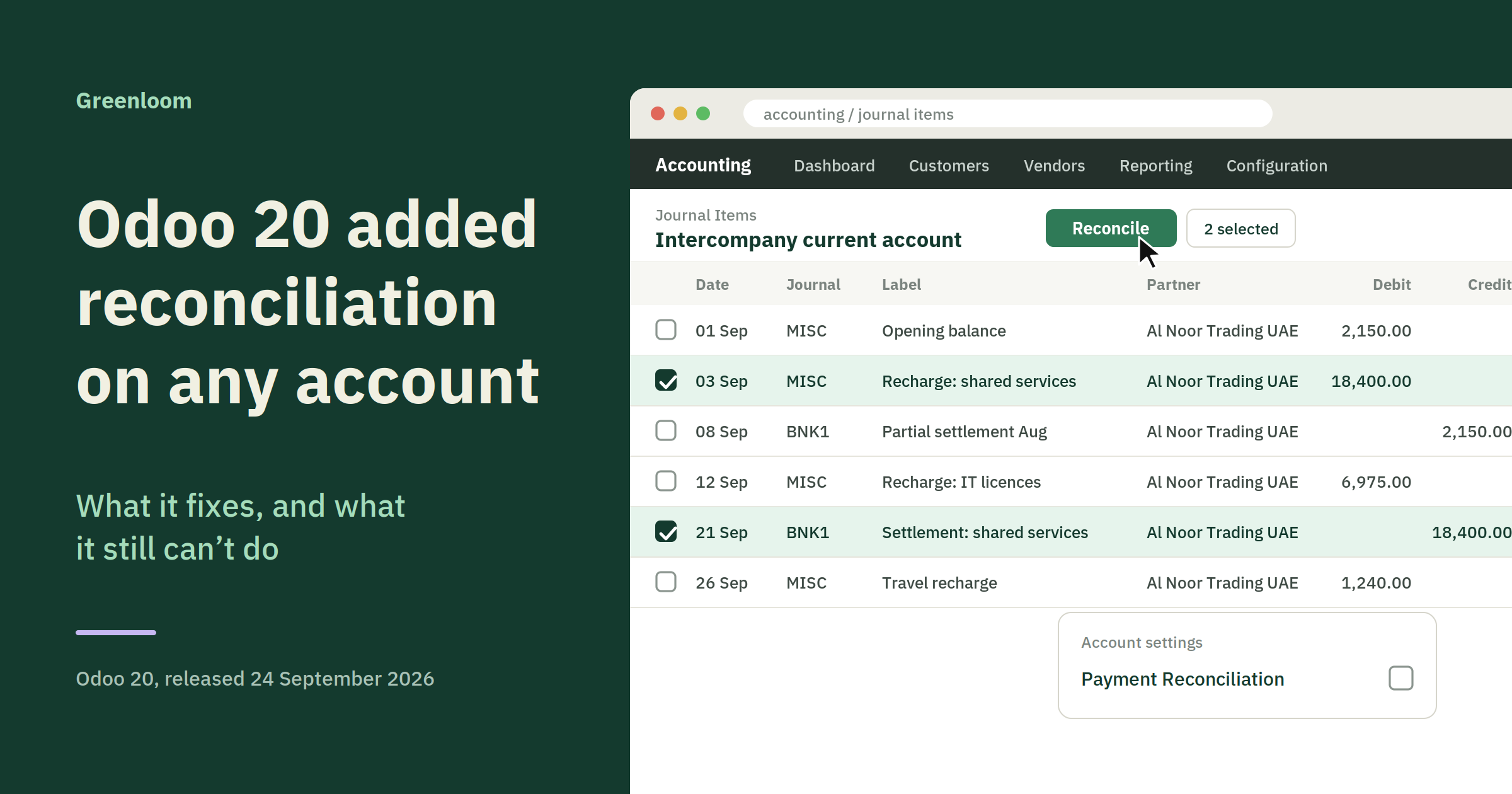
Odoo 20 shipped on 24 September 2026. One line in its accounting release notes removes a
restriction that has shaped Odoo chart-of-accounts design since at least version 13: manual
reconciliation now works on any account.
In Odoo 20, manual reconciliation can be performed on any account. The "Allow
Reconciliation" checkbox has been renamed "Payment Reconciliation" and no longer
decides whether an account can be reconciled at all. It now controls two narrower things:
whether open items in that account are suggested in the bank reconciliation view, and
whether exchange rate difference entries are expected.
That distinction matters more than the headline. The change is real, and it is smaller than
most of the coverage suggests. Below is what moved, what did not, and what to check in
your own database before you assume a reconciliation problem has g
one away.
What exactly changed in Odoo 20's reconciliation?
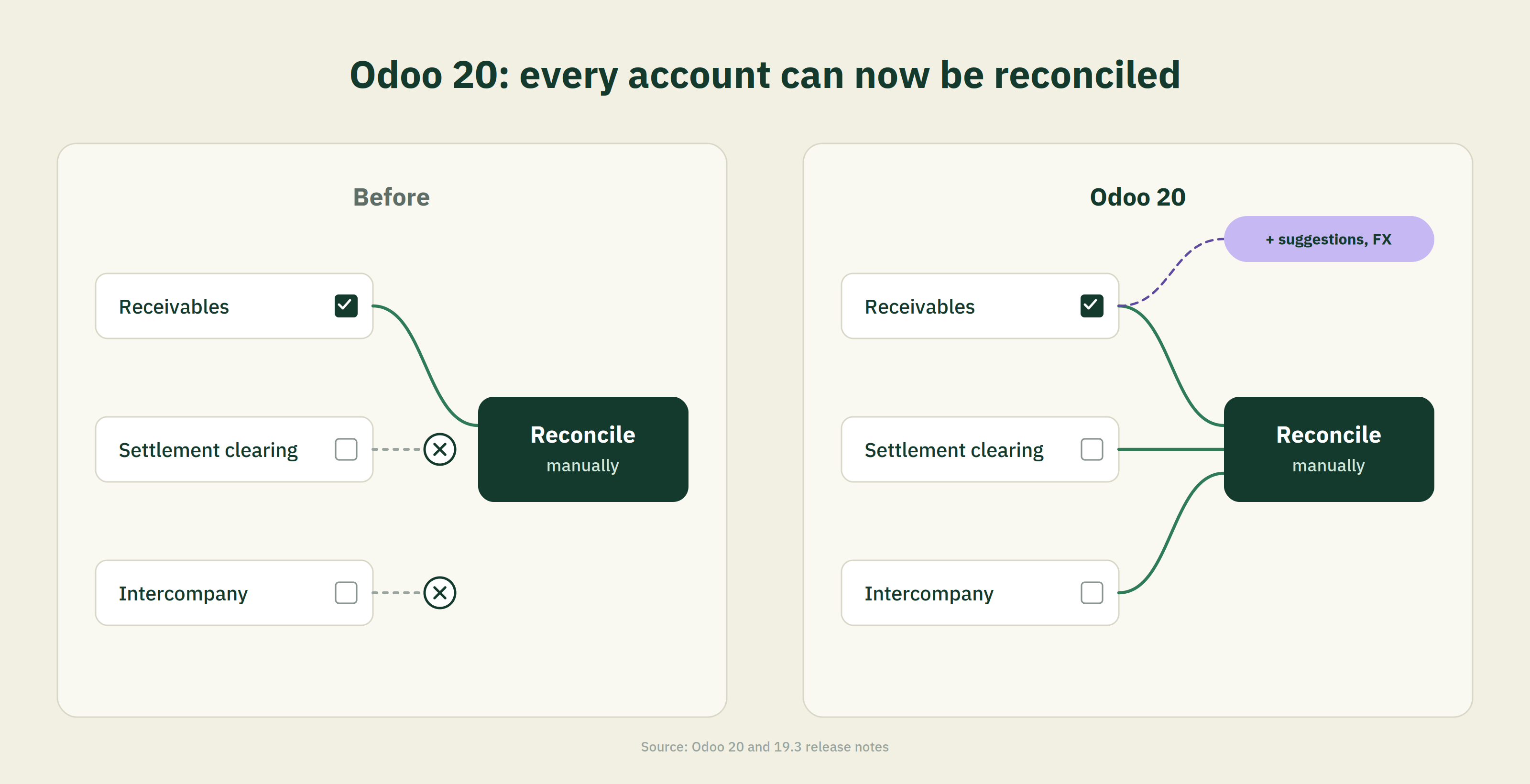
Odoo removed the gate. Before Odoo 20, an account had to carry the "Allow Reconciliation" flag before its journal items could be matched. Now manual reconciliation runs on any account in the chart of accounts, and the renamed "Payment Reconciliation" flag governs suggestion behaviour and foreign exchange handling instead of access.
The practical version is that the checkbox changed job. It used to answer the question "can this account be reconciled?" It now answers two different questions: "should Odoo surface this account's open items while you are clearing a bank transaction?" and "should Odoo expect an exchange rate difference entry when items in this account are matched.
Before Odoo 20 | After Odoo 20 | |
|---|---|---|
Checkbox name | Allow Reconcilation | Payment Reconcilation |
Controls whether the account can be reconciled | Yes | No. Any account can be reconciled manually. |
Controls whether open items appear in the bank reconciliation view | Yes | Yes |
Controls whether exchange rate difference entries are expected | Partly, as a side effect | Yes, explicitly. |
What could you not reconcile before Odoo 20?
Anything without the flag. Odoo's own version 19 documentation states that when you reconcile a bank, cash or credit card transaction against an existing journal item, only items debiting or crediting accounts with "Allow reconciliation" enabled appear as possible matches. Accounts outside that set were invisible to the matching interface.
The stated reason in Odoo's documentation was simplicity. Keeping the candidate pool small keeps the matching view readable. The side effect was that anyone who set up a clearing holding or settlement account without ticking the box found out later, usually mid-close, and usually with transactions already posted.
The Odoo community has a long history of questions on exactly this point, including how to switch the flag on for an account that already carries months of posted entries. The workaround that circulated for years involved changing the account type to one that permitted the checkbox, then re-enabling it. Odoo 20 makes that particular manoeuvre unnecessary for manual matching.
Did this feature actually arrive in Odoo 20?
No.It arrived earlier. The identical sentence about manual reconciliation on any account, and the identical checkbox rename, appear in the Odoo 19.3 release notes. 19.3 was a rolling release on Odoo Online.If you are on Odoo Online you have had this since that release.If you run Odoo.sh or on-premise, Odoo 20 is where you get it.
This is worth knowing before you plan an upgrade around it. The feature is not a reason for an Odoo Online tenant to do anything, because it is already there. It is a genuine reason for an on-premise or Odoo.sh database to look at version 20, alongside the other accounting items in the same release: a bank reconciliation summary report, entry hashing on cash journals at reconciliation, factoring payments inside the bank reconciliation view, and a "Run Auo Reconciliation" option that lets you retrigger automatic bank matching manually.
Check your own version string before you plan anything. Odoo Online tenants do not choose their upgrade date, and the gap between what your finance team believes the system can do and what it actually does is usually a version number.
What does the "Payment Reconciliation" checkbox still control?
Two things, both narrower than before. First, whether open items in that account are offered as matching candidates inside the bank reconciliation view. Second, whether Odoo expects to generate "Exchange Rate Difference" journal entries when items in that account are reconciled. Neither of these is the same as permission to reconcile.
The second one is the trap. If you have a foreign-currency clearing account and you leave "Payment Reconciliation" off, you can now match items in it manually. What you will not get is the exchange rate difference entry that Odoo generates when it expects one. The matching will succeed. The foreign exchange gain or loss will not post itself.
So the checkbox is not dead, and turning it off because it sounds optional is a mistake on any account that holds a currency other than your company currency.
Which accounts does this actually help with?
Clearing and holding accounts, mostly. Any balance-sheet account that collects transactions and is supposed to flatten to zero is now a candidate for manual matching without reconfiguration.
Account | Why it needs matching | What changes |
|---|---|---|
Payment Processor or settlement clearing | Gross sales land here, net payouts leave, deductions sit in between | Line-level matching without flag configuration |
Bank suspense | Bank transactions post here until reconciliation replaces the suspense account with a receivable, payable or outstanding account | Residual balances can be investigated by matching rather than by report |
Payroll and accrual holding | Accrued, then paid, often across periods | Period-crossing items can be tied off directly |
That is useful housekeeping. It is not the same as solving reconciliation, which is where the next section comes in. Reconciling card settlements in Odoo and want to see what agent-led matching looks like at line level? Book a demo.
What reconciliation on any account still can't do
Four limits survive Odoo 20. Automatic matching still runs through the "Payment Reconciliation" flag. Exchange rate difference entries are not expected outside flagged accounts. Reconciliation matches balances but does not explain a variance. And it cannot decompose a single netted figure into the components it was built from.
Each of those deserves a sentence of its own.
1. Manual is the operative word. The release note says manual reconciliation can be performed on any account. Automatic suggestion inside the bank reconciliation view is still governed by the Payment Reconciliation flag, and automatic matching more broadly still runs through reconciliation models configured against bank journal conditions. Opening up manual matching does not widen the net that the automation casts.
2. Foreign exchange is still conditional. Covered above, and worth repeating because it fails quietly. A match that posts without the expected difference entry leaves a currency residual that nobody is looking for
3. Matching is not explanation. Odoo defines reconciliation as linking journal items in an account and matching credits against debits. That is a confirmation mechanism. It confirms that two figures correspond. It does not tell you why they differ when they do not, and a reconciliation that will not close is precisely the case where the matching interface stops being useful.
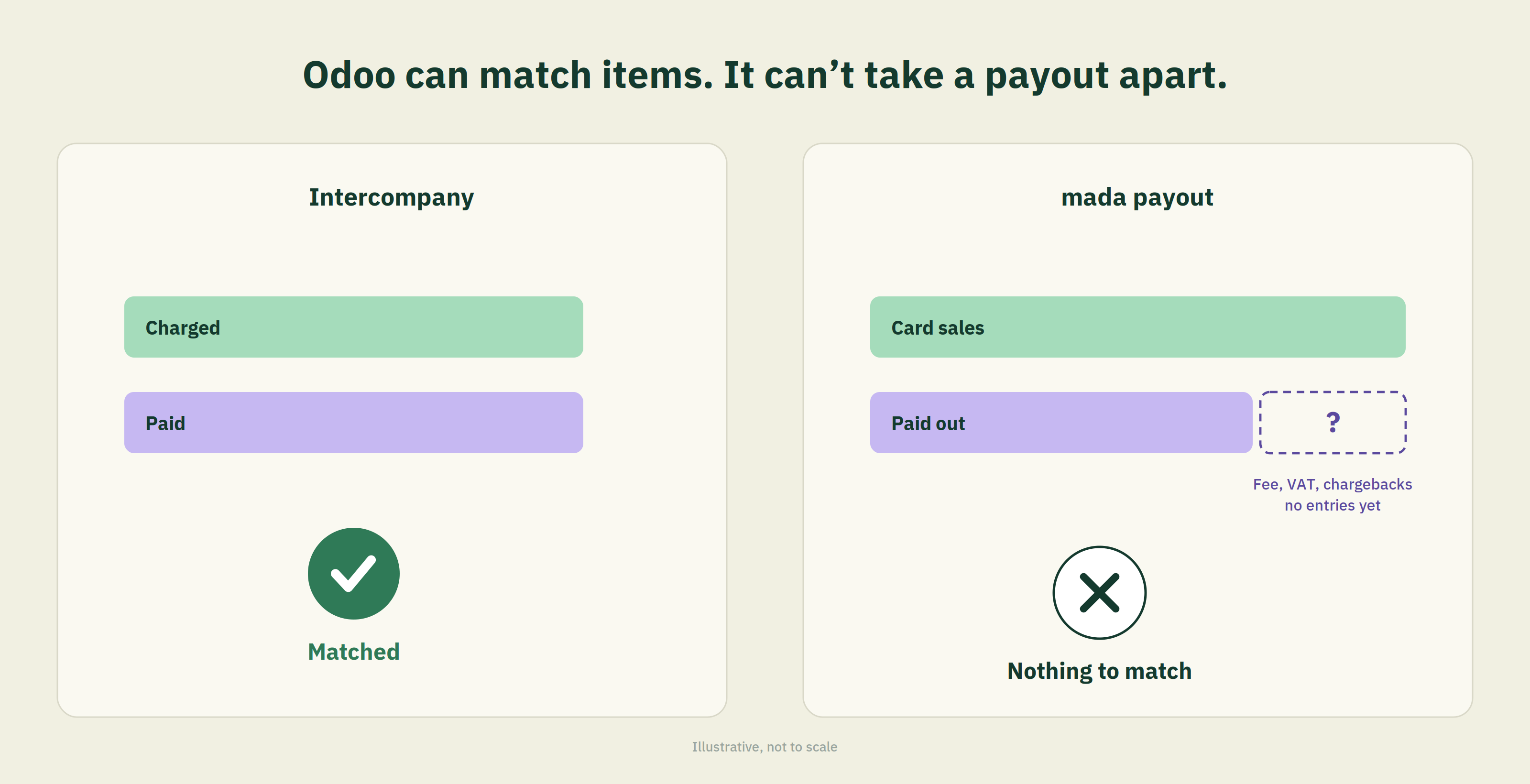
4. It cannot take a composite figure apart. This is the structural limit. If a single credit represents gross sales minus a merchant service charge minus VAT on that charge, minus chargebacks raised against an earlier period, there is no journal item on the other side to match it to. The counterpart does not exist yet. It has to be constructed before matching is possible at all.
Point four is not a criticism of Odoo. No general ledger does this, because a general ledger records what you tell it. The decomposition has to happen before the entry is posted
What this changes if you reconcile card settlements in Saudi Arabia
Very little on its own, and something worth having. Opening manual reconciliation on any account removes a configuration obstacle on your settlement clearing account.It does not address the reason settlement reconciliation is hard in the Gulf, which is that the payout figure arriving in your bank is a net of several deductions that are not itemised on the credit line.
Mechanically, the work sits in three parts. You have to identify which transactions a given payout covers, which rarely maps cleanly to a calendar day. You have to separate the deduction into its components, because the fee and the VAT charged on that fee are treated differently for input VAT recovery. And you have to produce a counterpart entry that reflects all of it, so that there is something for the matching interface to match against.
Odoo 20 helps with the third step once the first two are done. It does nothing about the first two.
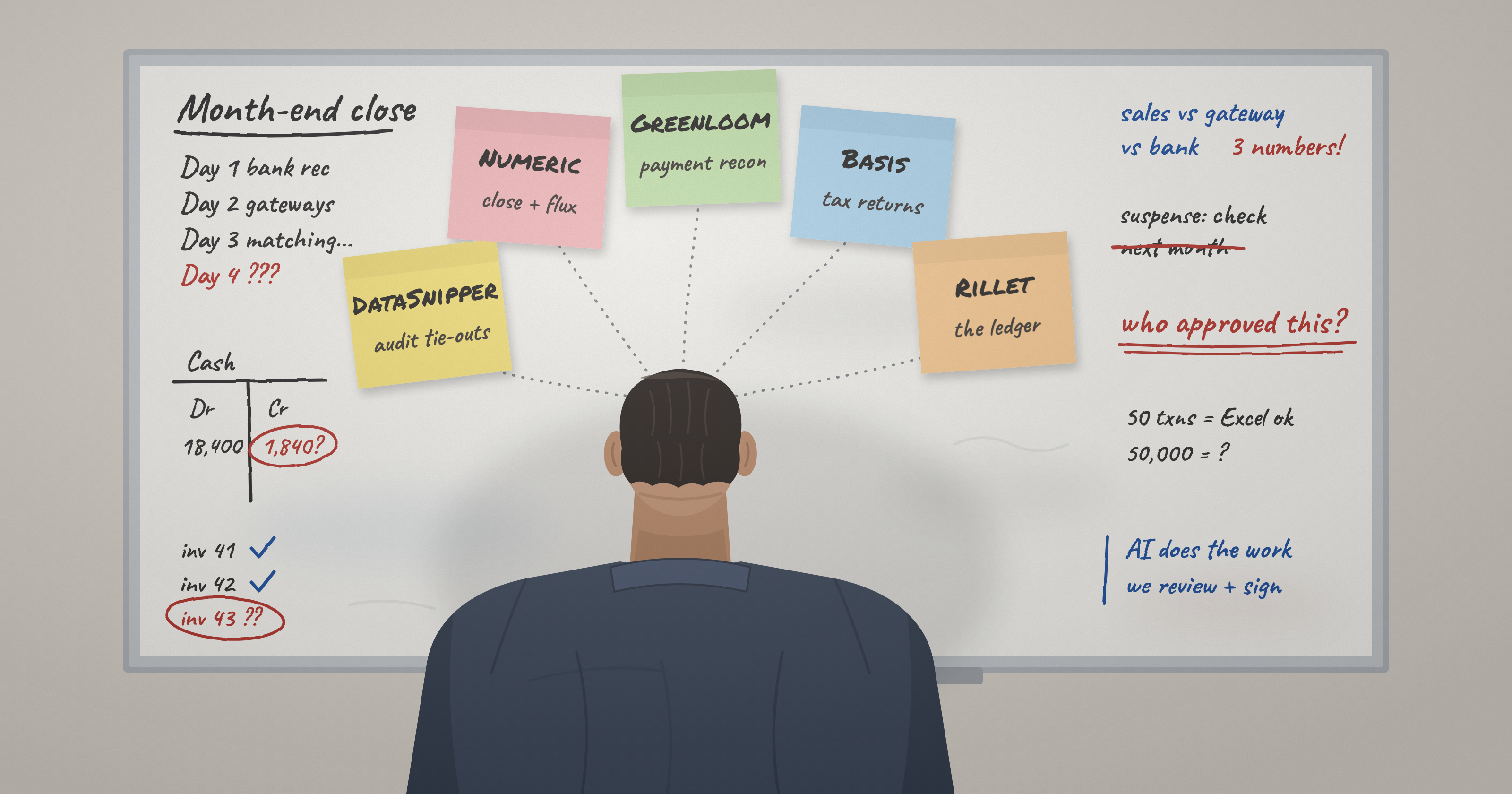
This is the part we build Greenloom to handle. The agent reads the settlement file and the bank line, identifies the transaction set behind a payout, separates the deduction into fee and tax components, and proposes a counterpart entry with its working shown, line by line, for a human to confirm before anything posts. Nothing writes to the ledger without that confirmation step. Greenloom is in pre-launch beta, so what we can describe here is how the mechanism behaves, not what it has delivered for anyone.
For the arithmetic behind a mada settlement deduction and where the VAT component sits, see our breakdown of Why Odoo's standard bank matching fails on Saudi mada settlement.
Should you upgrade to Odoo 20 for this feature alone?
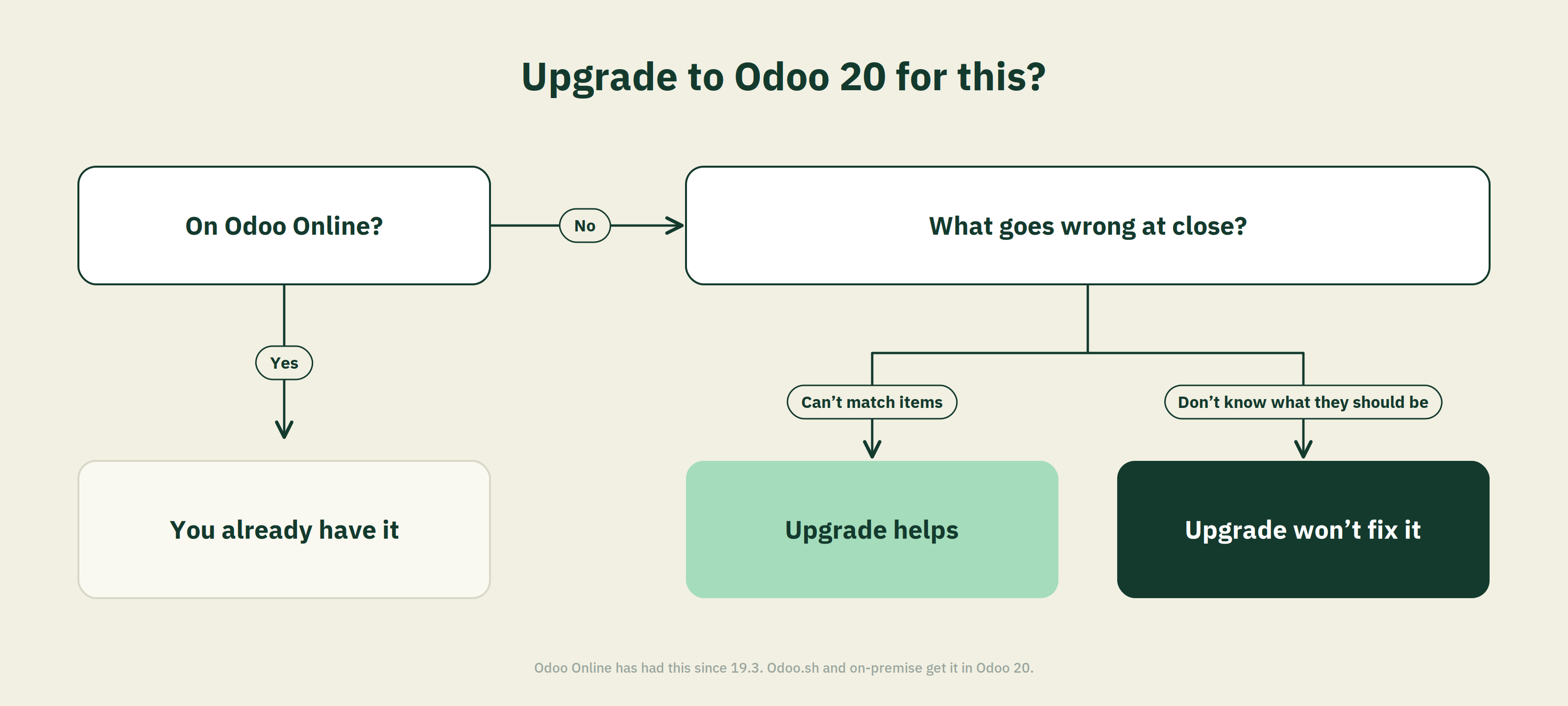
Probably not for this feature alone, and the answer depends on your hosting. Odoo Online tenants already have it from 19.3 and have nothing to decide. For Odoo.sh and onpremise databases, treat it as one item in the version 20 accounting set rather than the reason to move.
The reconciliation change removes an annoyance. It does not change a close that is failing for a structural reason, and upgrading in the hope that it will is the wrong trade against the testing cost of a major version move.
A reasonable test before you decide: take the account that causes the most trouble at close, and ask whether the problem is that you could not match items in it, or that you did not know what the items should have been. If it is the first, version 20 helps. If it is the second, the version number is not the variable.
Frequently asked questions
What is the "Payment Reconciliation" checkbox in Odoo 20?
It is the renamed "Allow Reconciliation" checkbox on an account in the chart of accounts. In Odoo 20 it no longer controls whether an account can be reconciled. It controls whether open items in that account are suggested as matching candidates in the bank reconciliation view, and whether Odoo expects to create exchange rate difference journal entries when those items are reconciled.
Can I reconcile an expense account in Odoo 20?
Yes, manually. Odoo 20 allows manual reconciliation on any account, including profit and loss accounts that previously could not carry the reconciliation flag. Whether you should is a separate question. Reconciliation is designed for balance-sheet accounts that clear to zero, and matching items in a P&L account is rarely the right tool for the problem.
Do I still need to tick "Payment Reconciliation" on any account?
Yes, on two kinds. Tick it on accounts whose open items you want Odoo to suggest automatically while clearing bank transactions, and on any account holding a currency other than your company currency, because the flag determines whether exchange rate difference entries are expected on reconciliation.
Was reconciliation on any account new in Odoo 20 or Odoo 19?
It first appeared in Odoo 19.3, a rolling Odoo Online release, with the same wording that later appeared in the Odoo 20 release notes. Odoo Online databases received it at 19.3. Odoo.sh and on-premise databases receive it with Odoo 20, which was released on 24 September 2026.
Does this change how bank reconciliation works in Odoo?
Not fundamentally. Bank transactions still post to the journal's suspense account until reconciliation replaces that suspense account with the corresponding receivable, payable or outstanding account. What changed is which accounts can be matched manually. The suspense mechanism and the reconciliation model logic are unchanged.
Will Odoo 20 reconcile my payment gateway settlements automatically?
No. It removes a configuration restriction on the clearing account. A settlement payout that nets gross sales against fees and tax still has no itemised counterpart in the ledger for Odoo to match against, and reconciliation can only match a figure to something that already exists
How do I check which Odoo version I am on?
Open the Settings app and look at the version string at the bottom of the general settings page, or check the database manager if you self-host. The distinction between 19.3 and 20 matters for this feature specifically, so the major version number alone is not enough.
Sources
1. Odoo, Odoo 20 Release Notes, September 2026. https://www.odoo.com/odoo-20- release-notes
2. Odoo, Odoo 19.3 Release Notes, 2026. https://www.odoo.com/odoo-19-3-release-notes
3.Odoo, Chart of accounts, Odoo 19.0 documentation. https://www.odoo.com/documentation/19.0/applications/finance/accounting/get_start ed/chart_of_accounts.html
Updated
Comments
Join the conversation and share your thoughts with the community.
Community
Be the first to share your perspective.